- Administrators and Site Staff with the Financial Management Extended Permission
Overview
Making a budget current activates the rates and billing rules for participant visits, site fees, and activities. Once all sections are complete and approved, you can update the budget’s status. Once a budget is set to Current, Vault automatically generates or updates Billable Items for eligible completed visits.
Note This action affects billable items and invoicing. Ensure all budget reviews are complete.
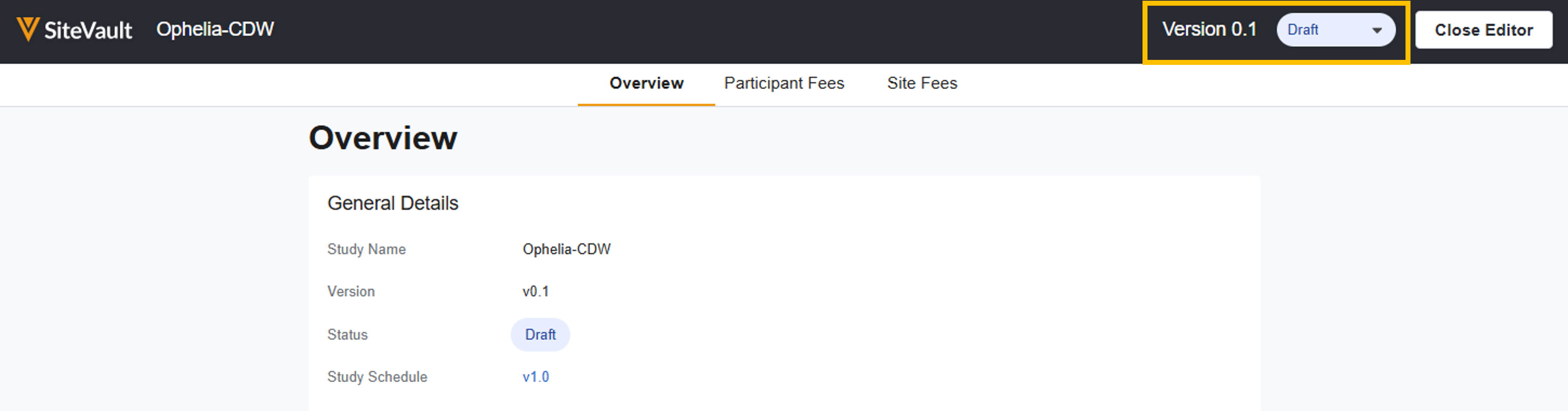
Make Budget Current
To update the budget’s status, a draft budget must exist and an effective date must be specified.
- Navigate to Finance > Budgets & Billing > Select Study > Budget
- Select Edit associated with the budget to update.
- Select Current from the Status field dropdown.
- Select the effective date and if needed, update the Version Description.
- Select Save. Budgets are version-controlled; if changes are required after saving, you can create a new draft based on the current version.
- Automated recalculating occurs. Review the Recalculation Summary to identify skipped visits (see below).
Automated Recalculation
When a budget becomes current, SiteVault automatically reprocesses participant visits to ensure billable items match the updated budget rates:
- Process: SiteVault attempts to recalculate all participant visits completed on or after the budget’s effective date.
- Skipped Visits: SiteVault recalculation will skip a visit if one or more of the billable items have progressed to Paid or Invoiced. Skipped visits will require a manual resolution.
- Locate Skipped Visits: Once the background job completes, the user who set the budget to Current receives an email and notification containing a link to the job summary file which lists the recalculation statuses.
- Manual Resolution for Skipped Visits: For each skipped visit identified, complete the steps below:
- Review the affected visit in CTMS.
- Make invoice and item updates as needed (update status, remove from invoice, etc.).
- Manually toggle the visit status from Incomplete back to Complete to trigger item recalculation.
Note Study Schedules and Budgets are versioned independently. When a new version of the schedule is made Current, billable items for participants will automatically generate based on the new schedule's activities, even if a new budget version is not created. However, if a schedule change impacts the items you intend to bill for, or how much you should be paid, always create a new budget version.