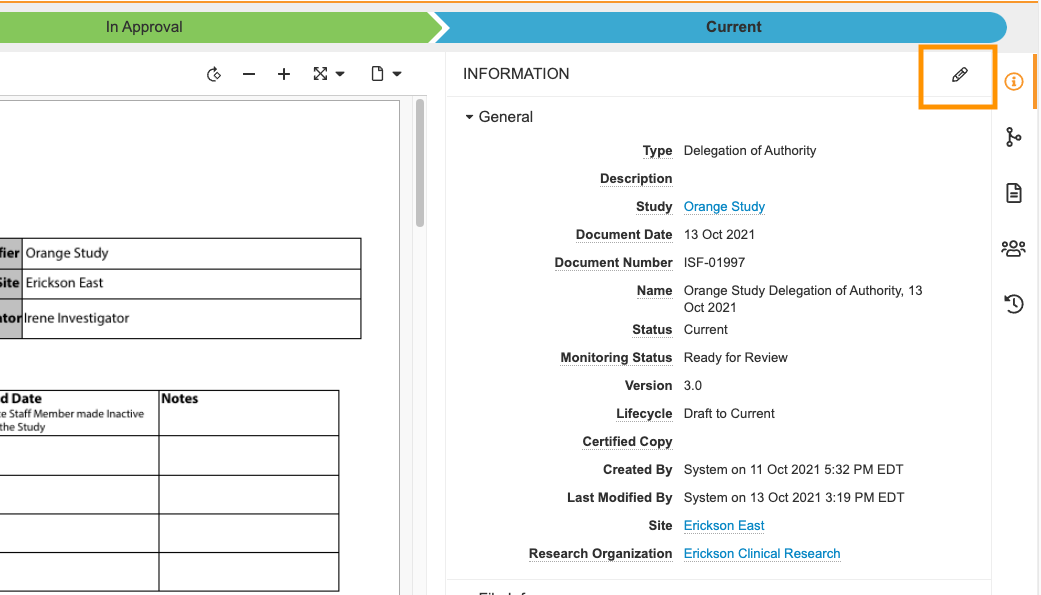
If you need to edit information (a field) on a document, navigate to and open the document and select the Edit icon  on the Document Information panel.
Note that the system populates some fields automatically based on the document type and not all fields are editable. Moreover, if the option to edit isn’t displayed, your system role doesn’t have permission to edit the document or to edit the document in a particular state. See SiteVault User Roles and Permissions for more information.