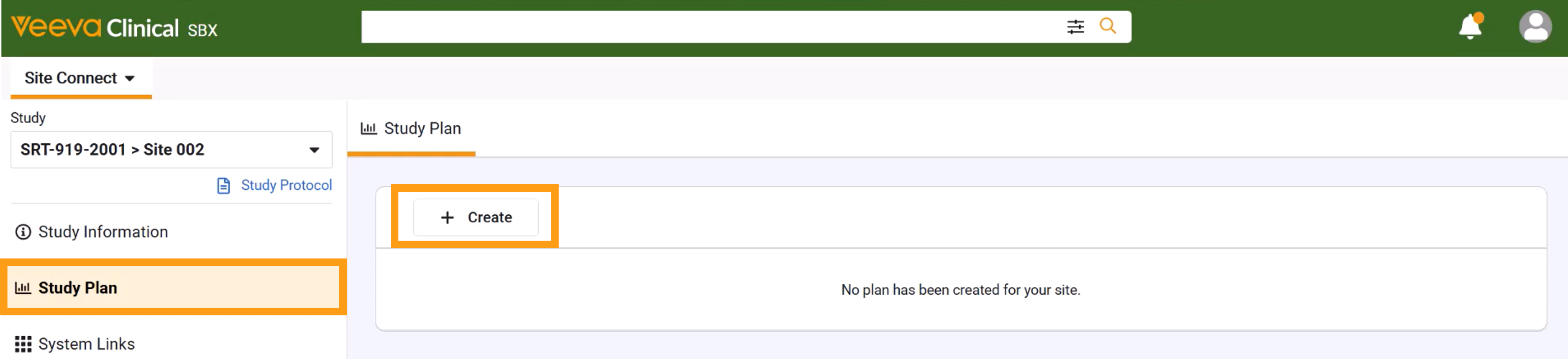
If a study plan has not yet been initiated by either your site or the sponsor, you can create the initial draft from the Study Plan tab in the main menu.
Click HERE for an interactive demonstration.
Create a New or Edit a Draft Study Plan
To create or edit a plan, complete the steps below.
- Select the study from the Study Selector.
- Select Study Plan.
- If no plan exists, click + Create to create a new plan. This will generate a new study plan in Draft status, populated with standard operational milestones. Some data may be automatically populated based on your sponsor or CRO’s Clinical Vault.
- Enter counts and dates in open fields. Hover over field names for descriptions.
- Select Send for Review: Select this to send to the sponsor or CRO for review.