Start a Chat Conversation
Note: This is only available beginning with version 24R1.
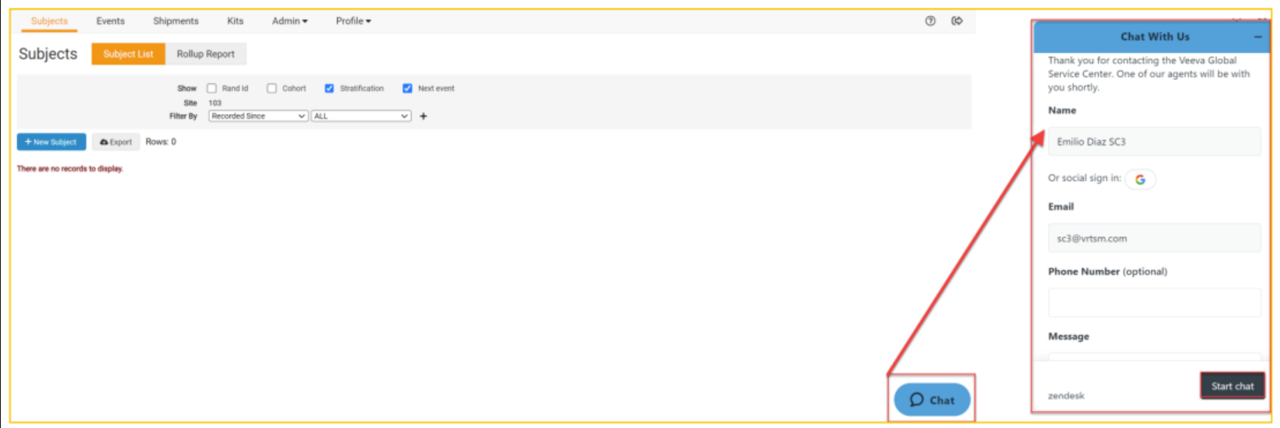
A blue Chat icon will be visible in the bottom right corner of each page in the RTSM study.

To start a chat conversation:
- Click the Chat icon.
- The system automatically fills in the name and email of the user currently logged into RTSM.
- Enter the Phone Number (optional).
- Enter the initial message to be relayed to the Global Service Center team, including:
a. Study Protocol Number
b. Site Number
c. A brief description of the inquiry/request - Click Start Chat.
Note: Chat support is available 24/5 (Monday – Friday). A Help Desk ticket is automatically opened containing the chat history once the chat concludes.


