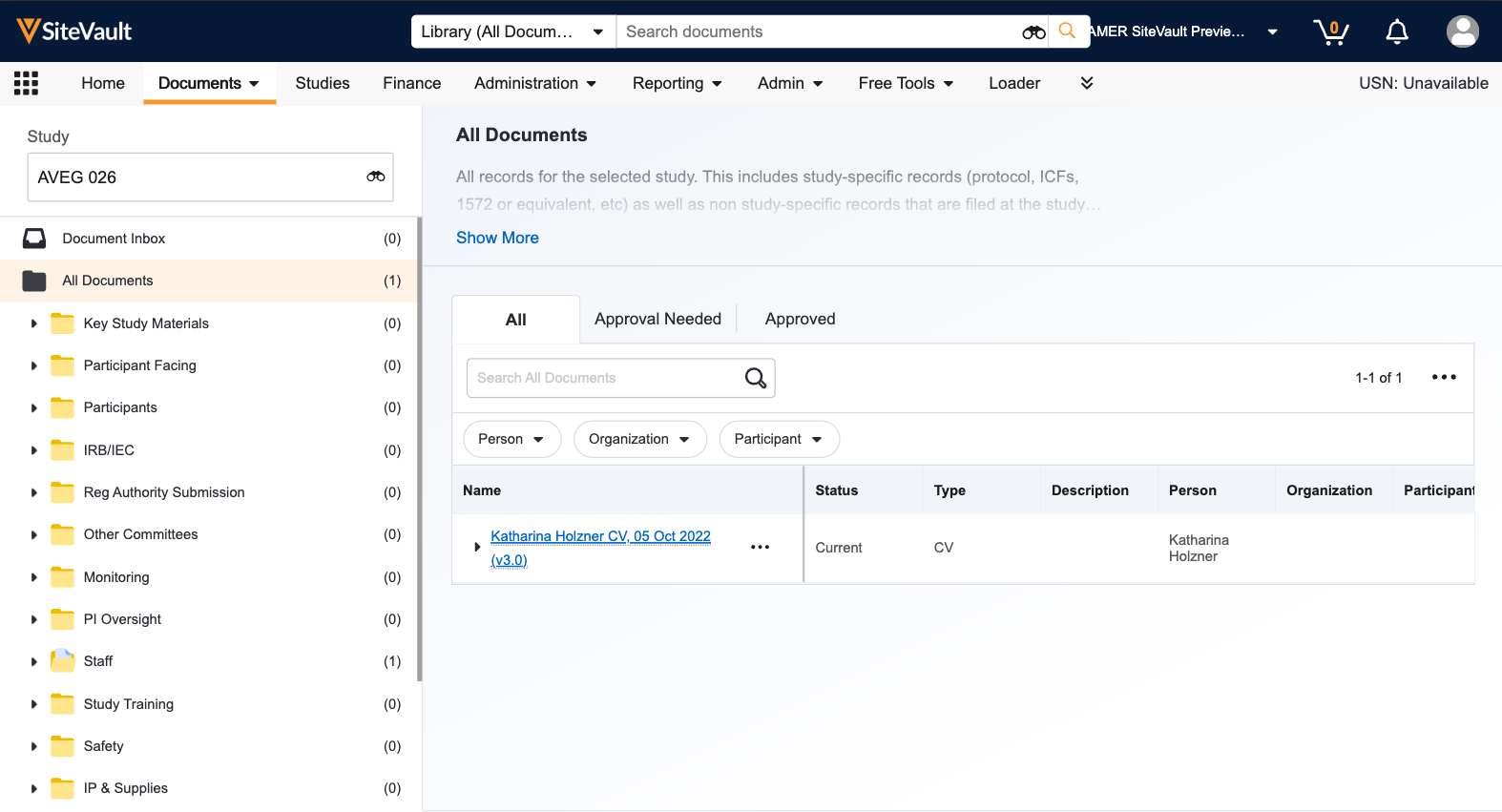
Adding Staff to SiteVault
Establishing staff user accounts facilitates easy sharing of study eBinders and filing of staff documents. You can...
Creating Studies in SiteVault
Create a study in SiteVault to assign your study team and begin uploading documents. Once a study is created...
Create Study Team Assignments
An assignment grants site staff users access to view a study and the study-related documents. An active study...
Vault Selector
The Vault Selector enables you to easily navigate between your Sites in SiteVault or to other Vault products you...
Upload and Approve Documents
The Study eBinder upload process includes the option to move documents to their steady state, perform copy...
Duplicate Document Detection
SiteVault checks for potential duplicate documents when uploading and classifying documents with the eBinder, while resolving potential duplicate errors and up versioning outdated documents.
Study eBinder Document Inbox
Upload unclassified documents into the Study eBinder Document Inbox.
Document Version Stacking
Update or replace a document that already exists in SiteVault by stacking a new version of the document...
Deleting Documents
Draft and Approved (Current, Final, etc.) documents can be deleted from SiteVault. Site Staff users can...
Read and Understand Workflows
Read & Understand (R&U) workflows enable you to send one or more study documents to study team members...
eSignature in SiteVault
The eSignature workflow in SiteVault enables clinical research sites to electronically sign regulatory and study...
Document Review Workflows
The Review workflow allows users to request other site staff users to review a document and provide feedback...
Enabling eConsent for the Study
Enabling eConsent will require users to enter personally identifiable information (PII) when creating participants...
Create an eConsent from PDF
Approved PDF consent forms can be uploaded and digitally enhanced with an editor that overlays interactive...
Sending and Signing eConsent
Starting with creating a participant, walk through the steps to complete an eConsent with a participant.
Monitoring Visits in SiteVault (CRA)
Walk through all of the monitoring tools available to you in SiteVault.
Monitoring Visit Preparation and Issue Resolution (Study Team)
Prepare for a monitoring visit and respond to monitoring issues.
Assigning Monitoring Issue Recipients
Streamline communications by specifying which team members receive monitoring-related tasks.
Source Document Upload
Documents containing PHI like Source, Protocol Deviations, Informed Consent (signed), Participant...
Budget Setup Options
See two approaches for setting up your budget - activity-based and visit-based.
Managing Study Finances
Learn how to create an invoice, record a payment, associate the payment with an invoice, and update related billing details.
Understanding Visit Offsets in CTMS
Learn more about visits and offsets in CTMS.
Managing Participant Visits in CTMS
Learn how to add participant visits and mark them as complete.



