Know About System Downtime Ahead of Time
Access and AdminAutomatically Active
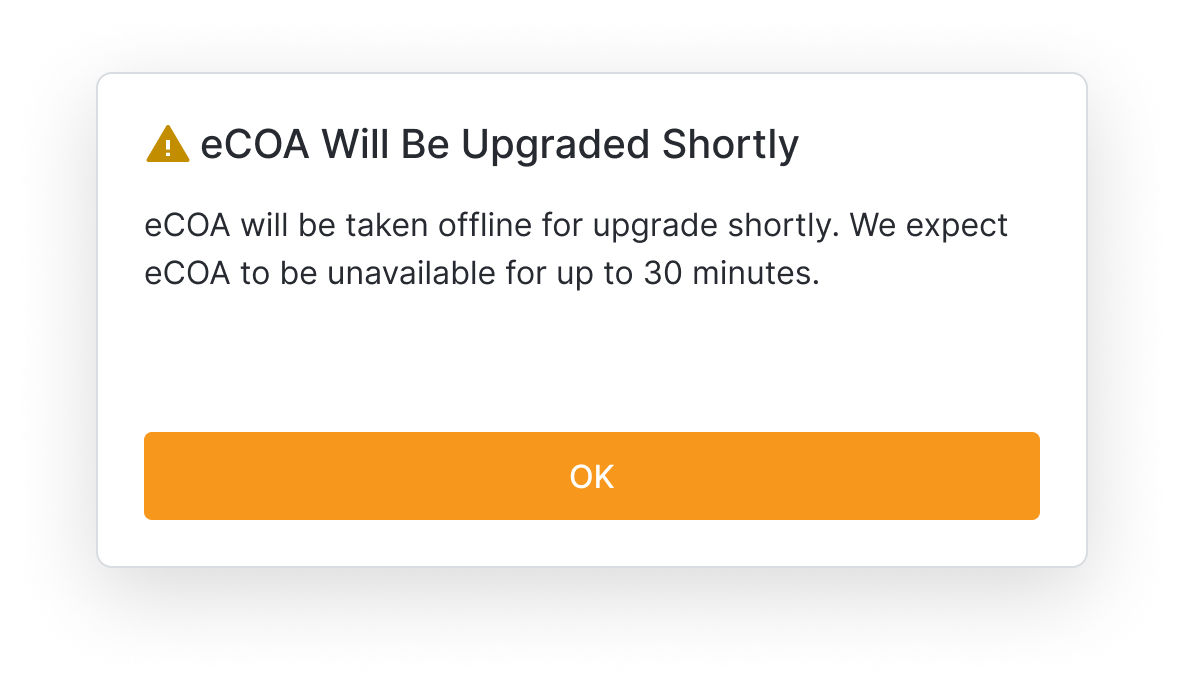
We will show you a message in Veeva eCOA before we do any updates or fixes so you do not lose your work. The message is shown right before the system logs you out and will give you time to save what you are working on.
Chat with Support in eCOA
Access and AdminAutomatically Active
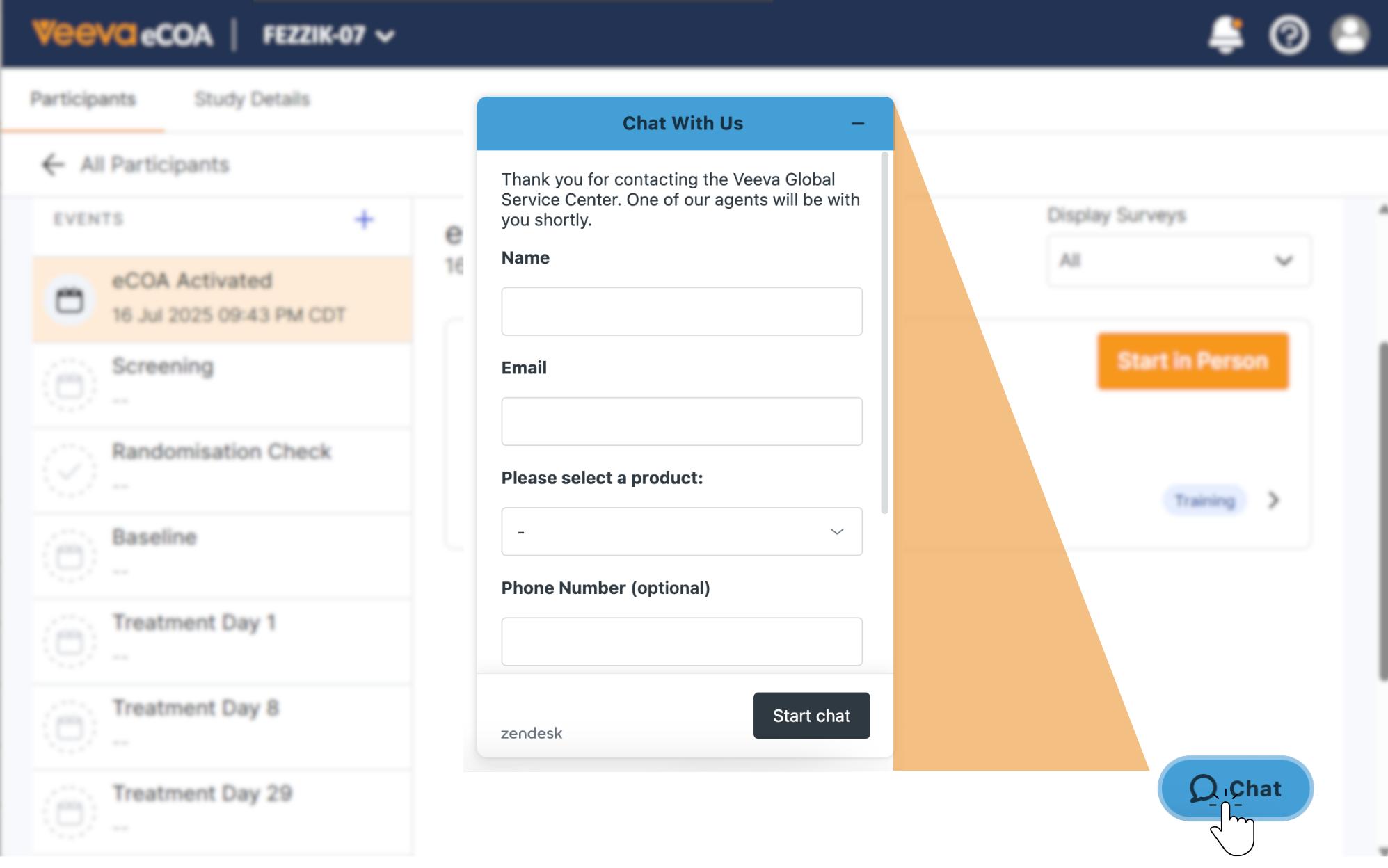
You will see a chat button on every page in Veeva eCOA. If you have a question or need help, select the button to talk to Veeva support. You do not have to close what you are working on to get help.
More Security for In-Person Visits
Managing ParticipantsSponsor Must Turn On
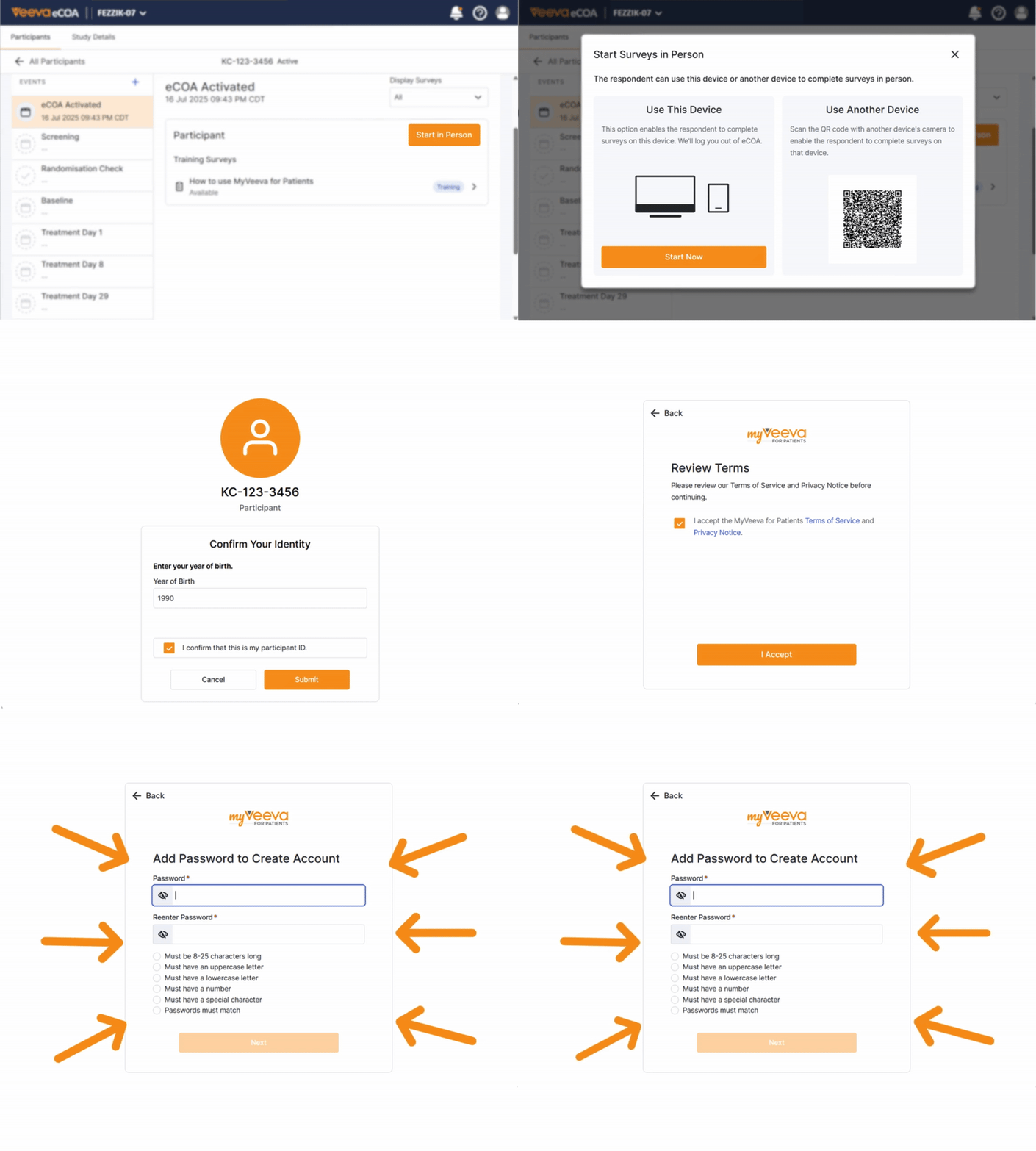
For some in-person participant surveys, they might need to sign in to their MyVeeva account. If they have never signed in before, they would need to add login information. This step depends on whether the sponsor has configured the study to require it.
See more information about starting an in-person survey.
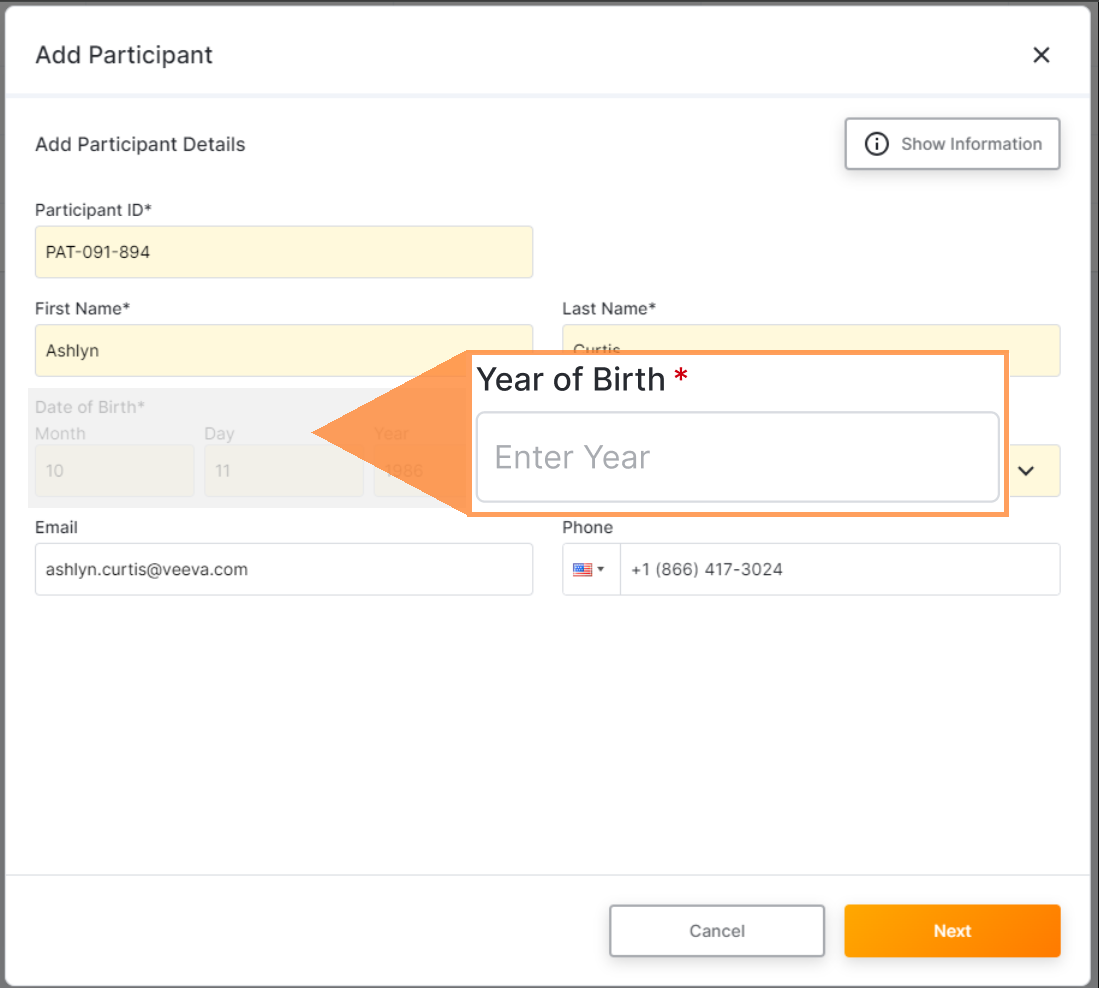
Streamlined Participant and Caregiver Verification with Birth Year
Managing ParticipantsAutomatically Active
To onboard participants and their caregivers, you only need to enter the year they were born, not their full birth date. They can then verify their identity using only their birth year. This change respects participant privacy by ensuring that the minimum amount of required info is collected to run the study.
See more information about onboarding participants
What Happens at Database Lock
Access and AdminSponsor Must Turn On
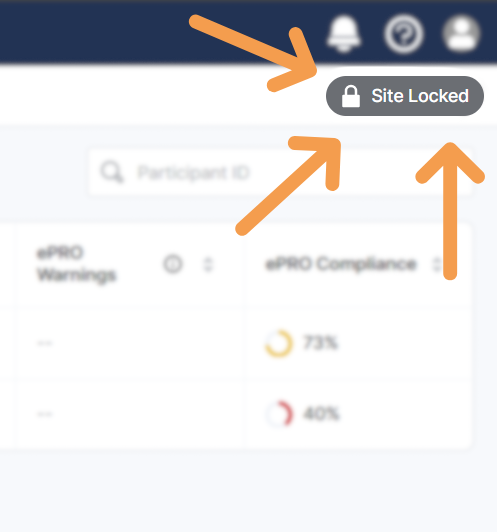
When a study is done or your site’s involvement is complete, the sponsor can lock that study in Veeva eCOA so no more changes can be made to the data. Here is what the lock means for you:
- You will not be able to change any participant information or add new information.
- You can still access eCOA and view the data as read-only.
If you need to make updates after the lock, the sponsor can unlock it. You will receive an email if they unlock your site and give you access.