Logging in Using VeevaID
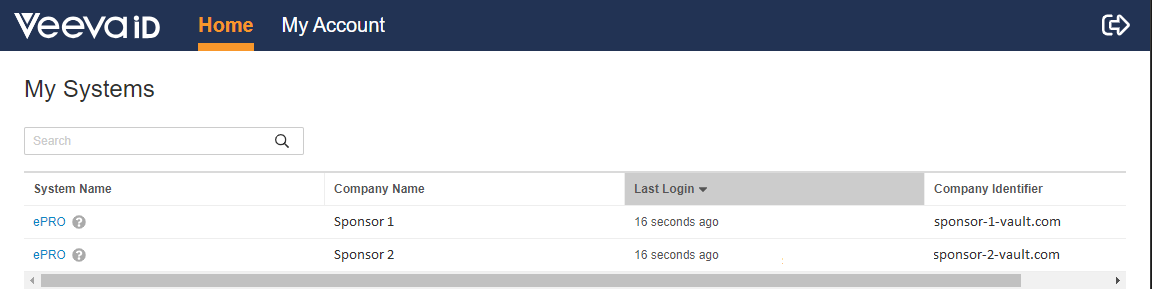
Log in to VeevaID. If you have access to multiple sponsor systems, you will see them all on the My Systems page. Select eCOA for the sponsor running the study you want to work on.
Note: Veeva recommends using VeevaID to simplify login for all of your sponsor systems.
Switching Between Sponsor Systems
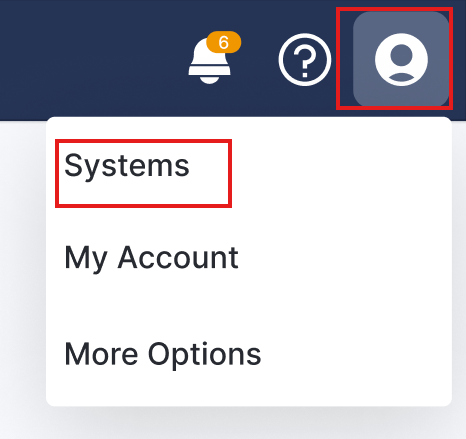
If you are working on studies for multiple sponsors or CROs, you can switch between Veeva eCOA systems by selecting your user profile icon, and selecting Systems. The Systems tab of your summary profile opens in a new tab.
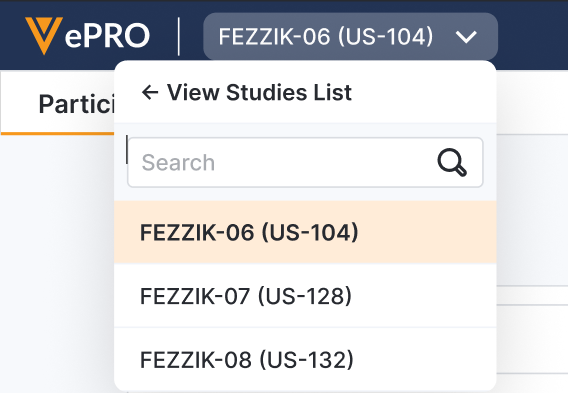
Switching Between Studies
If you have access to more than one study for the same sponsor, a list is displayed next to the eCOA logo at the top of the page. To switch between studies, select the study you want to interact with from the list.