How to return or not return a kit in RTSM
Note: Your study may have different tabs, radio boxes, or labels than what is displayed. Contents accountability (a quantitative count of contents in a kit unit returned to the site by the subject) may not be enabled for your study.
- Navigate to the Kits Page and filter to the Returned/Not Returned Kit.
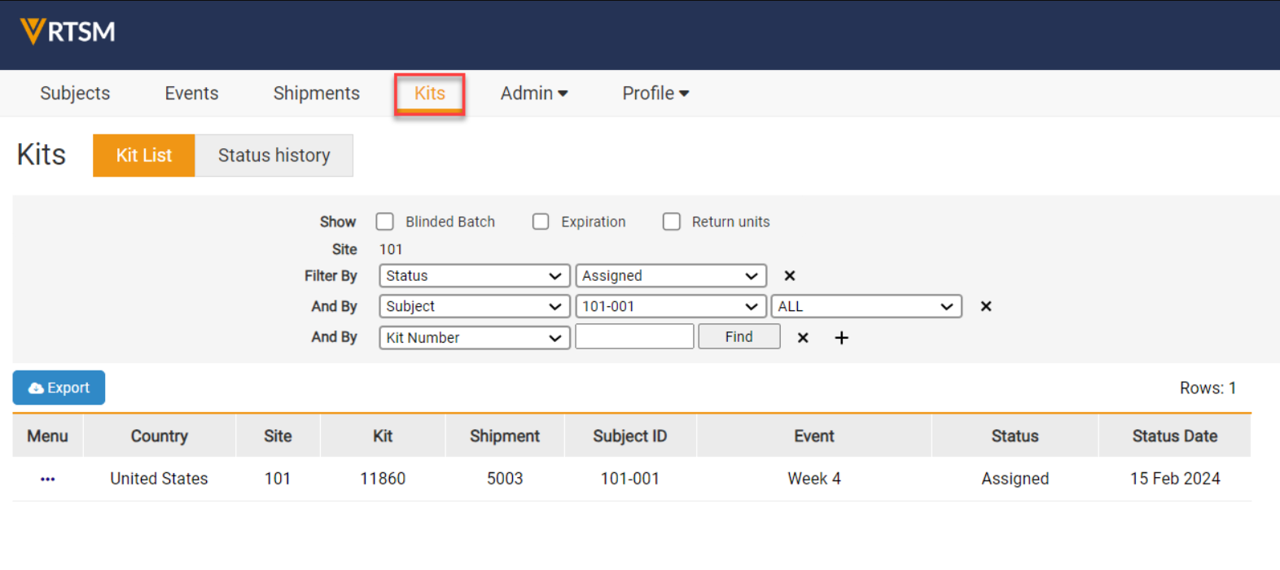
- Select the Task Menu for the specified Kit.

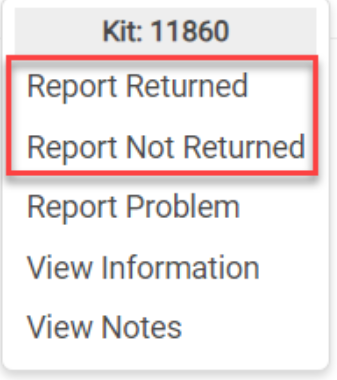
- Select Report Returned or Report Not Returned to update the status of the Kit.
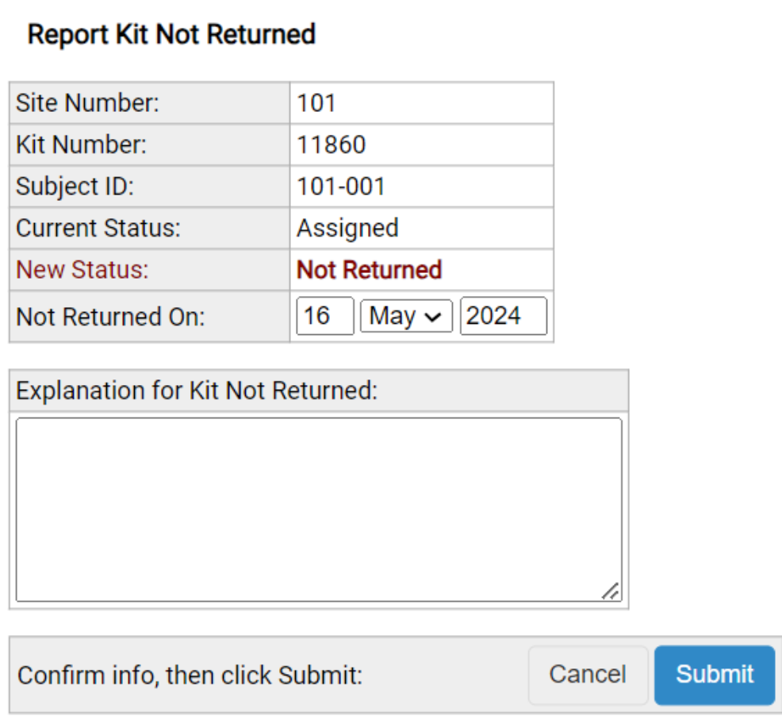
- The Report Kit Not Returned window allows the user to specify the Not Returned On date and an explanation for why the Kit is not returned. Then, select Submit.
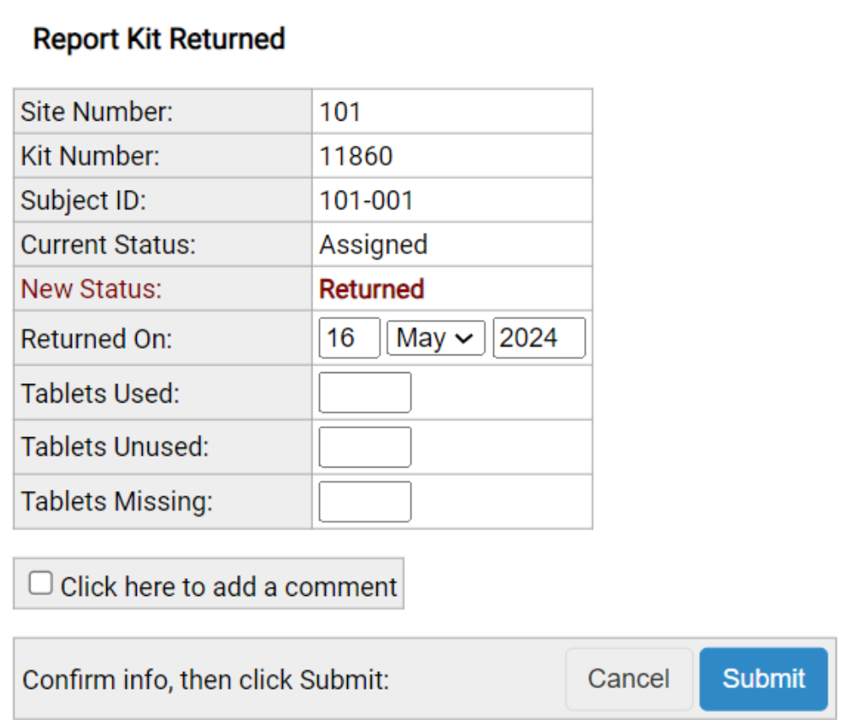
- The Report Kit Returned window will allow the user to specify the Returned On date and quantity of Used, Unused, and Missing units. The units must add up to the study specific total or a warning message appears. The user can also select the box to add an additional comment. Then, select Submit.
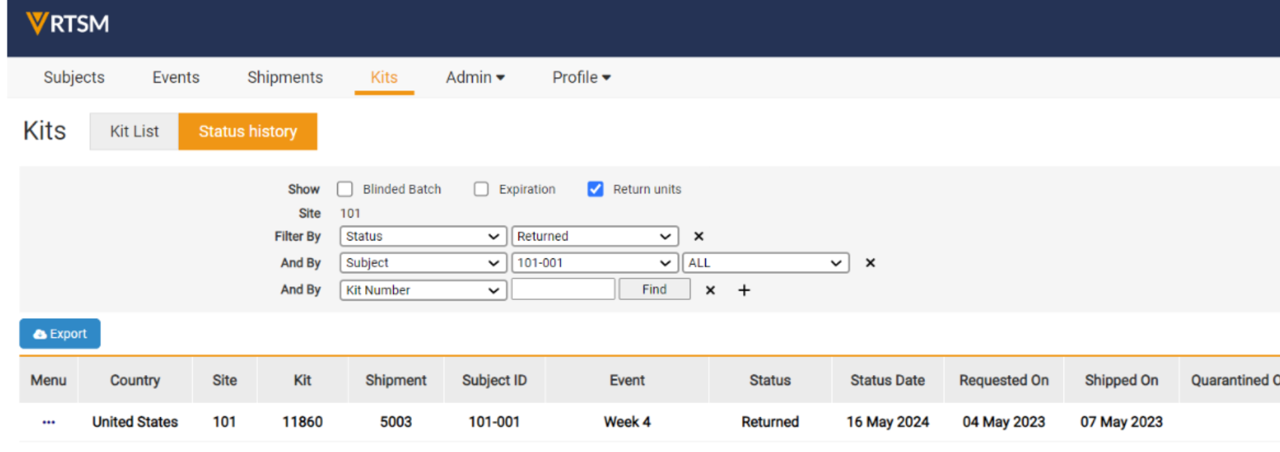
- The user can view the Returned or Not Returned On date and Return units in the Status history of the Kit.