-
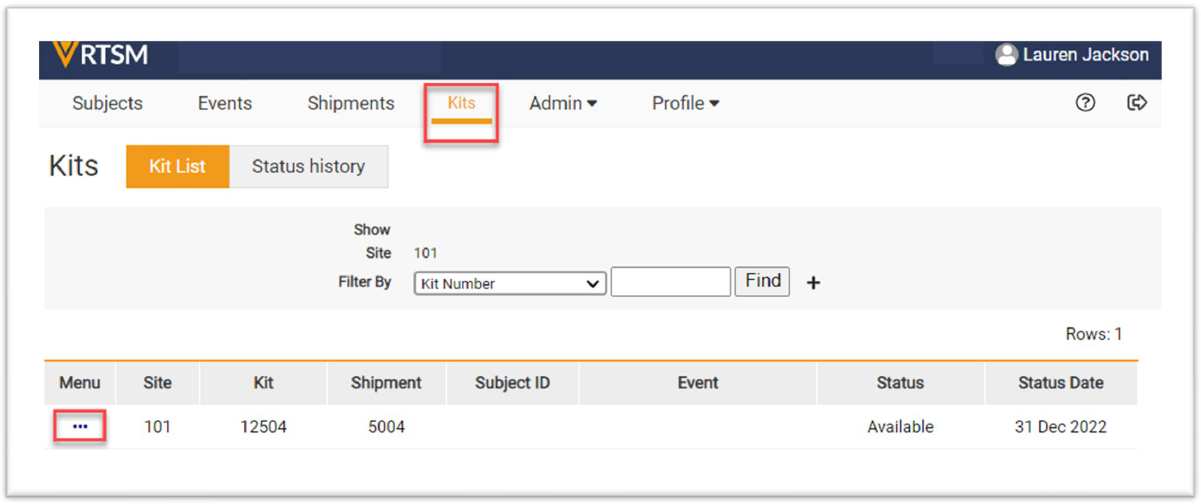
Navigate to the Kits page, click on the Task Menu (3 dots) on the row of the kit to report.
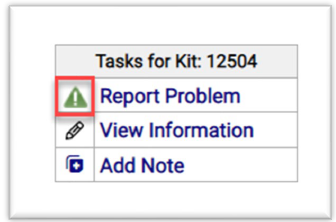
- The Task Menu for the subject opens. Click Report Problem and a new form opens.
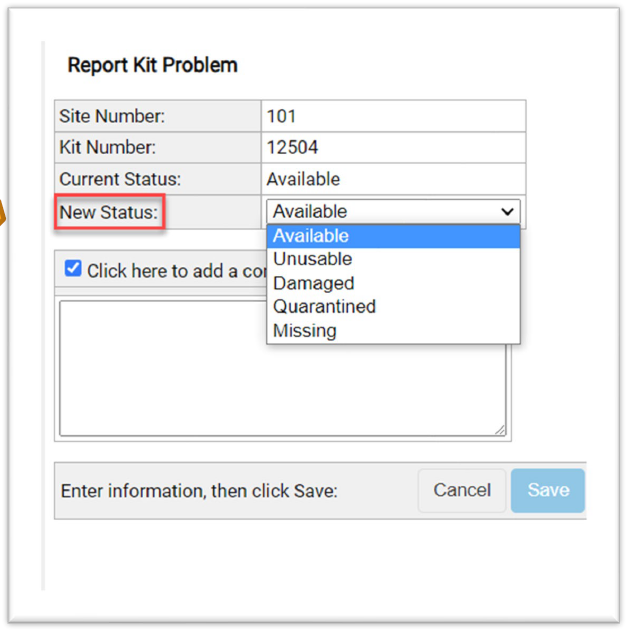
- Select the New Status of the kit from the drop-down menu on the Report Kit Problem form. The comment field is optional.
- Click the Submit button.
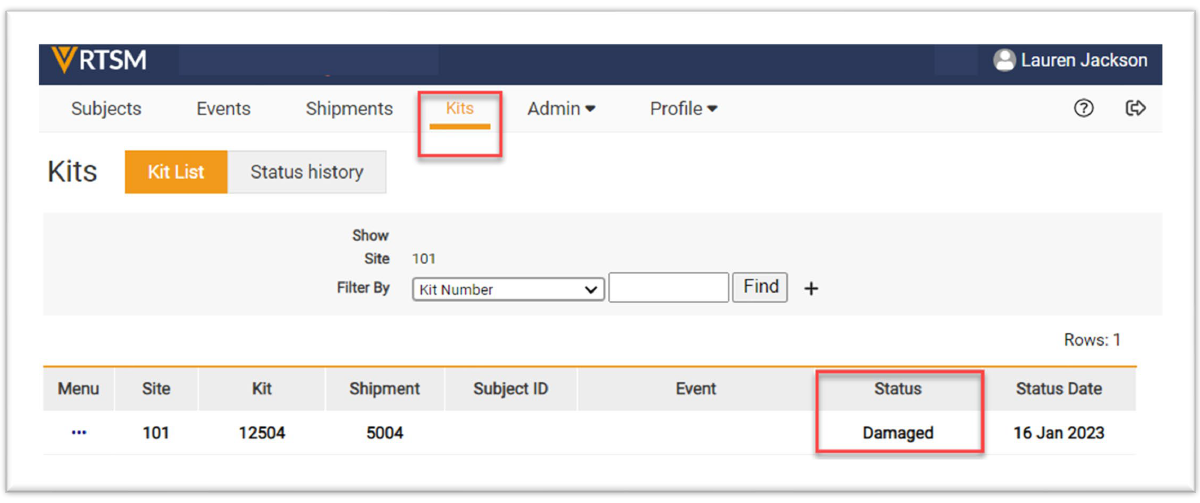
- The status displays as the updated status on the Kits page.
Note: The study may have different status or statements than what is displayed on these forms


