Subject Data can be viewed on the Subject Rollup Report. Event Data can be viewed on the Event Rollup Report. All data reports can be downloaded into a .csv spreadsheet.
Subject Rollup Report
- Navigate to the Subjects page. At the top of the dashboard is the Rollup Report button.
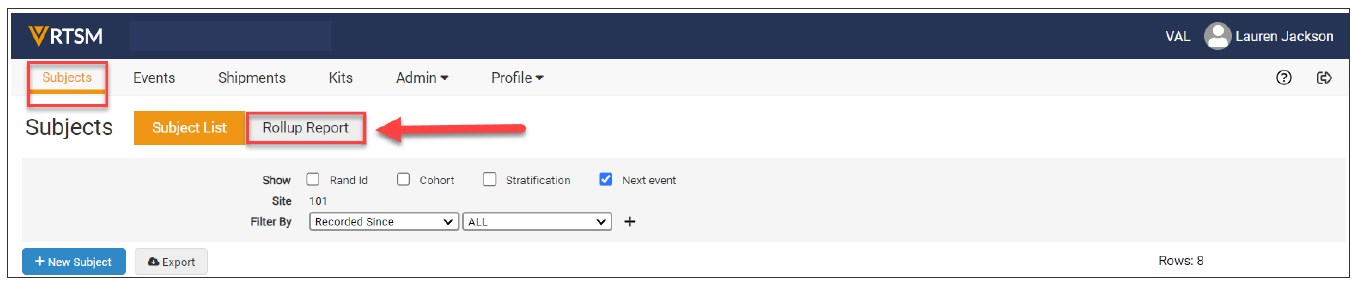
- Click the Rollup Report button to get a report which displays the visit date for each subject.
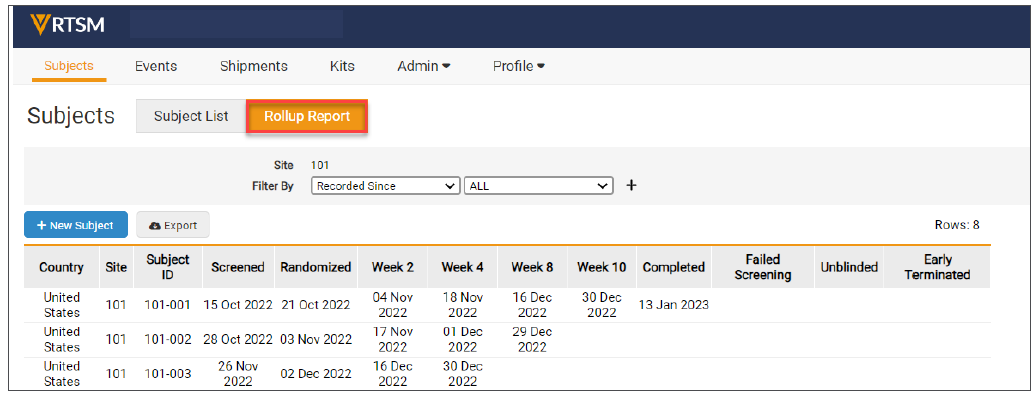
Notes:
- The study may have different tabs than what is displayed above.
- The Rollup Report includes all events that have been recorded for each subject, it cannot be used to calculate the total number of subjects currently at a certain status.
Event Rollup Report
- Navigate to the Events page. At the top of the dashboard is the Rollup Report button.
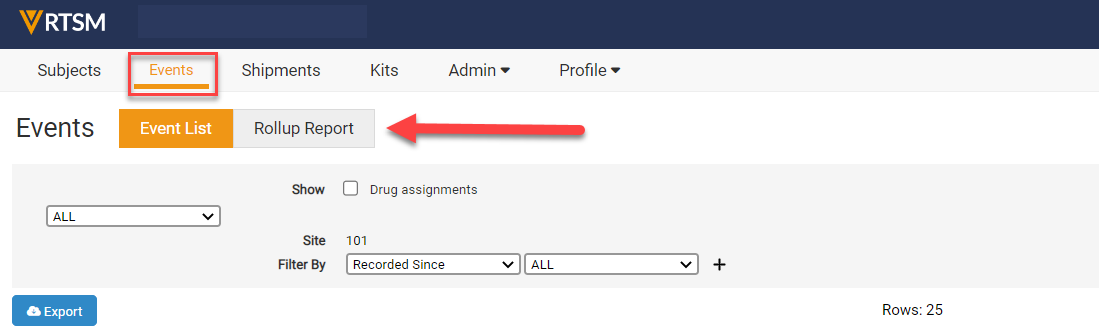
- Click on the Rollup Report button to get a report which displays a metrics view of the events at each site.
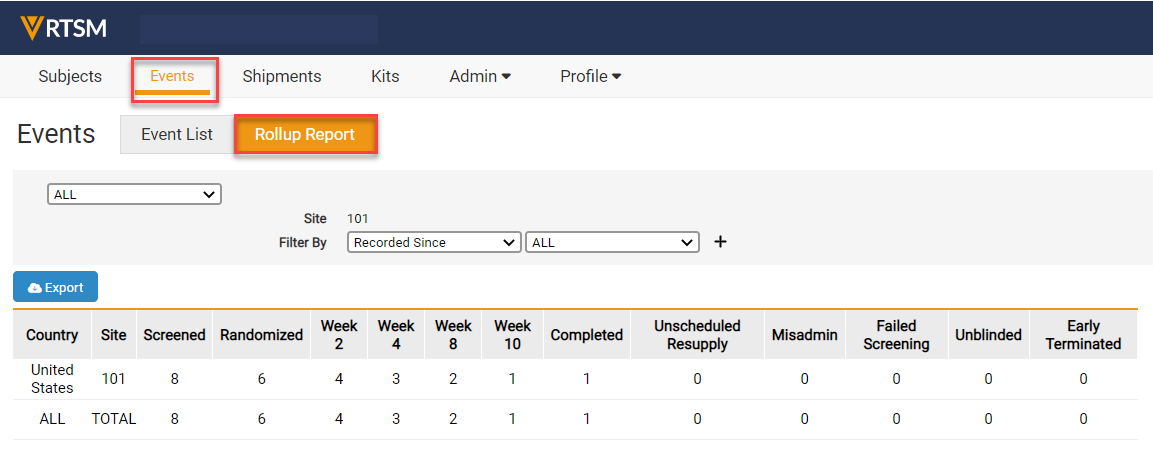
Note: The study may have different tabs than what is displayed above.
Download Reports
On the left-hand side of every web page of the dashboard is an Export button. Click on the Export button to download a .csv spreadsheet view of the data displayed on the current web page.
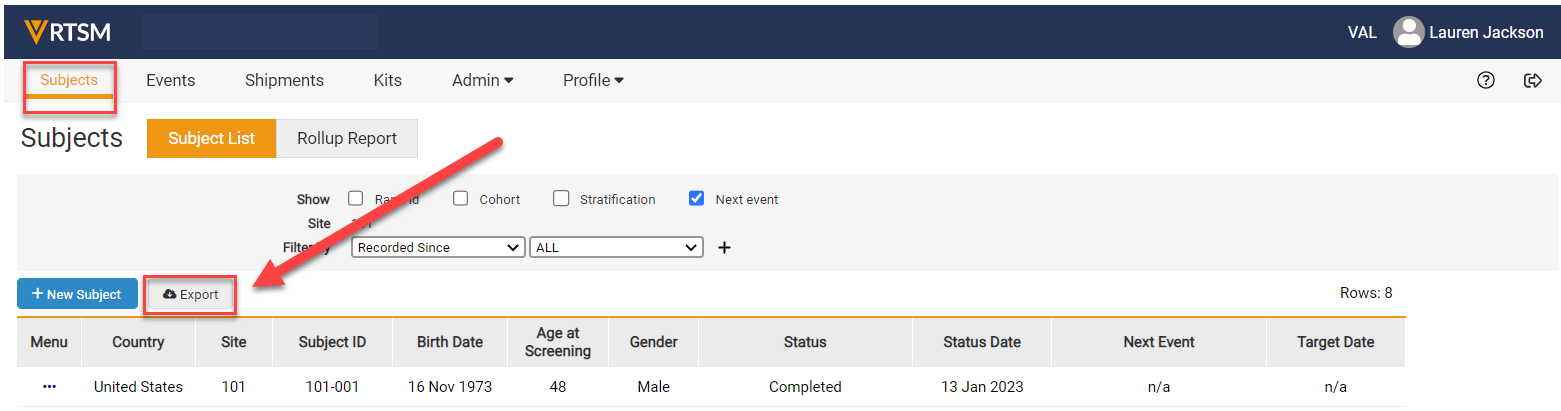
Note: The study may have different tabs than that which is displayed above.


