View Blinded Inventory in RTSM
- Hover over the Admin Tab and select Inventory from the drop-down menu.
- A blinded view of all kits are displayed for a site.
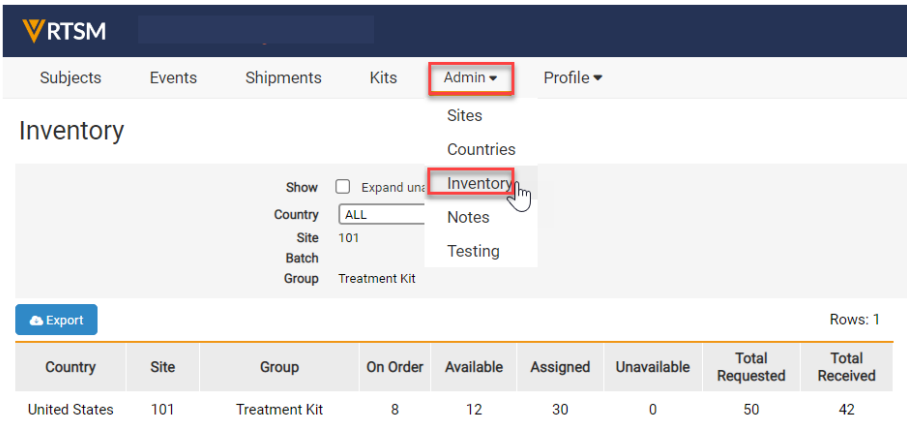
Note: Your study may have different tabs than displayed above.
Note: Your study may have different tabs than displayed above.
 RTSM
RTSM
 Help Topics
 More Help for Sites