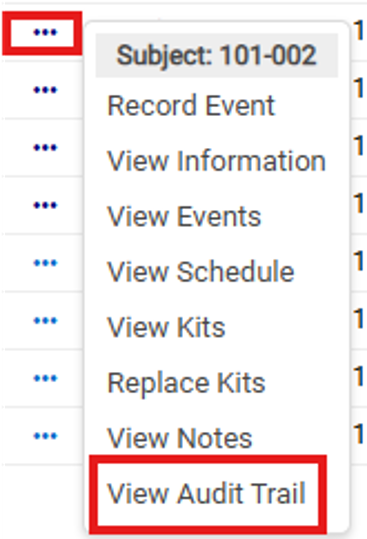
Navigate to the page you wish to view the Audit Trail
Click on the Task Menu button
Click on View Audit Trail
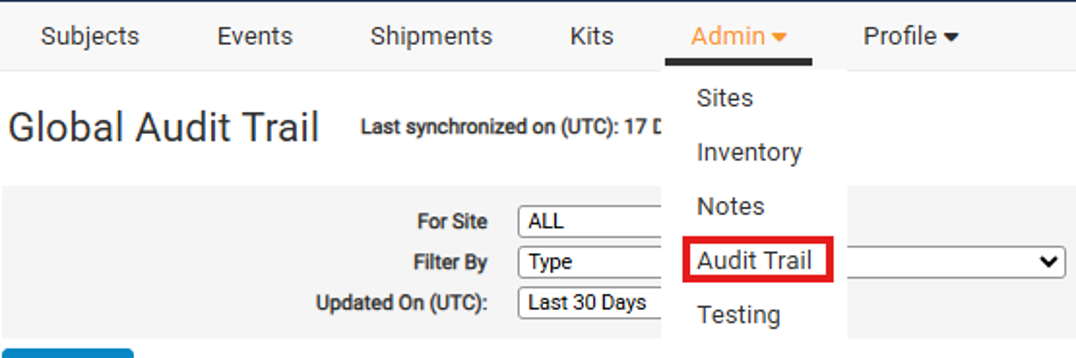
Viewing the Global Audit Trail
Navigate to Admin/Audit Trail page
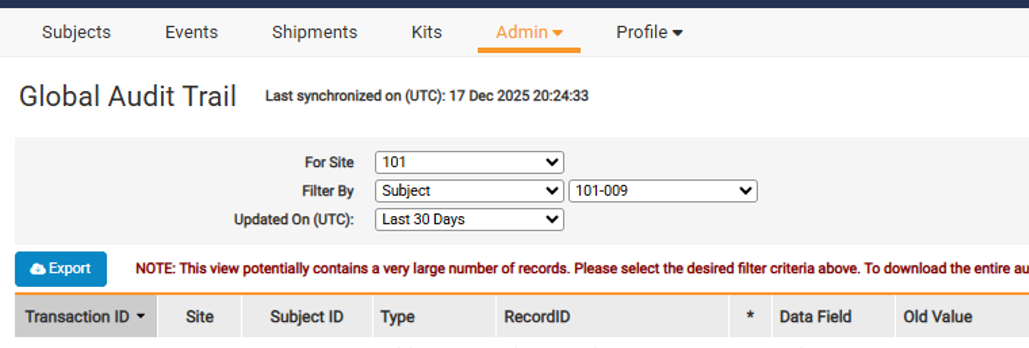
This will show a full Audit Trail for the system with different filterable options (subjects, events, shipments, kits, users etc.). Note: Your access to Audit Trails and what you are able to view on the Global Audit Trail page are dependent on your user role access.